The dashboards every small business owner should have

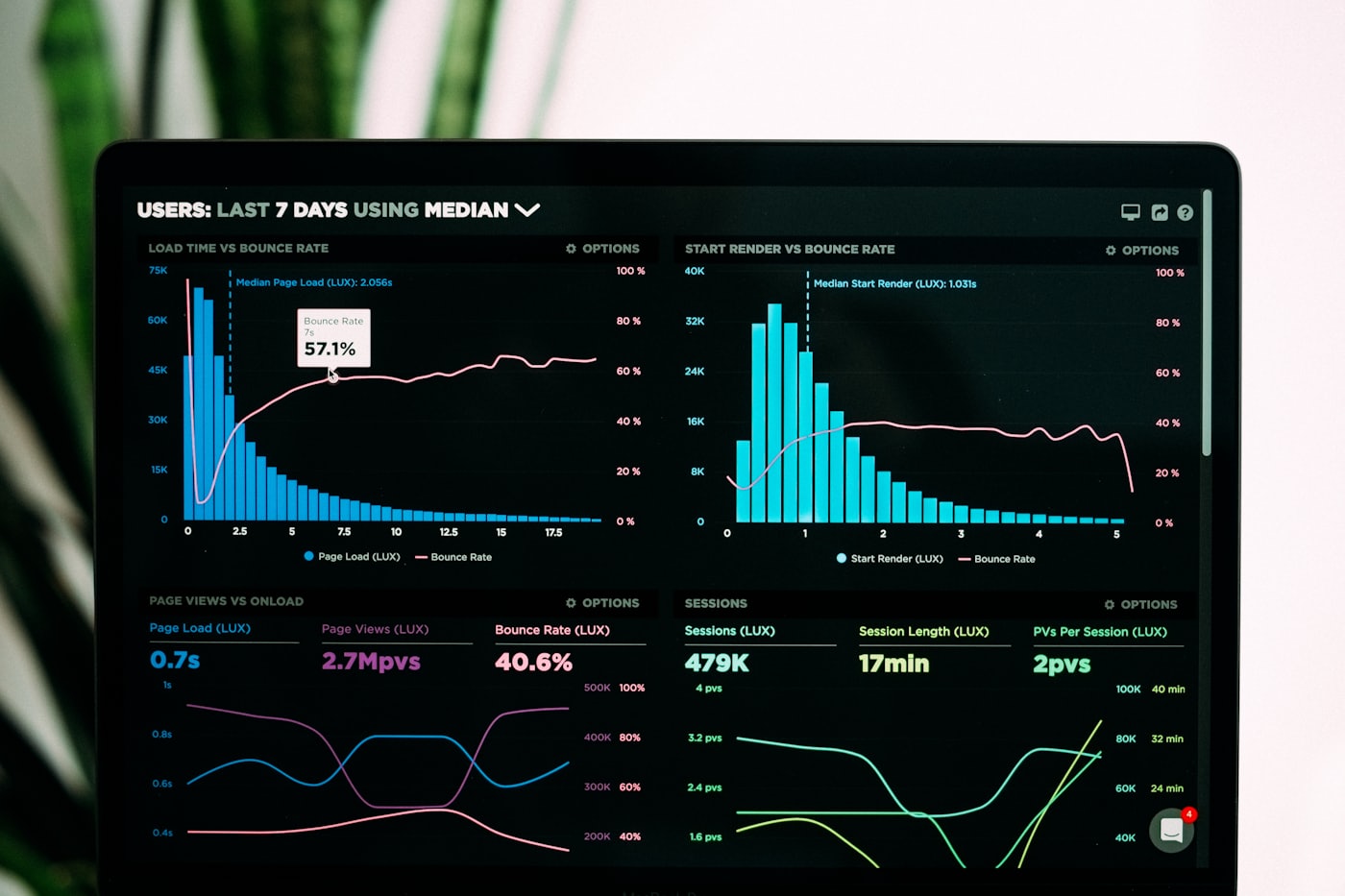
You don't need fifty reports — you need three or four dashboards that answer the questions that actually run your business. Most small business owners are either flying blind or drowning in numbers nobody acts on. The fix isn't more data; it's the right handful of views, updating themselves. Here are the ones every owner should have, what each answers, and how to make them effortless.
1. Money: cash & revenue
If you build only one dashboard, build this one. It shows revenue, expenses and cash on hand, updated automatically — the numbers that decide whether you can hire, invest, or need to pull back this month. Cash flow, not profit on paper, is what actually sinks small businesses, so seeing it at a glance (rather than discovering it at month-end) changes how calmly you can run the place. Add a simple runway figure — how many months of cash you have at the current burn — and you'll never be blindsided.
2. Sales & pipeline
This dashboard tells you whether next month is going to be good before it arrives. Track leads coming in, deals won, your conversion rate, and what's sitting in the pipeline. For a small team this is your early forecast: a thinning pipeline today is quiet warning of a slow month ahead, while you still have time to do something about it. Watch conversion rate over time too — it's often the cheapest growth lever you have, since improving it costs nothing extra in marketing.
3. Marketing
Marketing without measurement is just spending and hoping. This view shows where your traffic and leads actually come from, and what each channel costs you per lead or per customer. Without it, you're guessing which ads, posts or referrals to keep funding — and almost everyone guesses wrong, pouring money into the channel that feels busy rather than the one that quietly converts. Even a rough cost-per-lead by channel will sharpen where your next dollar goes.
4. Operations
These are the numbers specific to how your work gets done — orders fulfilled, support response time, delivery times, capacity used. Think of this as your early-warning system: when something is about to break — a backlog building, response times creeping up — this dashboard flags it before customers feel it and start leaving reviews about it. The exact metrics differ by business, which is the point: pick the two or three operational numbers that, if they slipped, would hurt the most.
Make them automatic, or they won't get used
Here's the hard truth behind every abandoned dashboard: if you have to update it by hand, you'll stop. The entire win is connecting your tools so the numbers refresh themselves — see how we approach data & dashboards. Once the data flows automatically, your weekly review takes minutes instead of a morning, and every decision is grounded in what's really happening rather than what you vaguely remember. If your numbers currently live in five different tabs that never agree, that's exactly the kind of thing we untangle.
Frequently asked
How many dashboards do I really need?
For most small businesses, three or four: money, sales, marketing and operations. It's tempting to build a dashboard for everything, but past a handful they stop getting opened — and a dashboard nobody looks at is just expensive decoration. Start with the single view that answers your most anxious question (usually cash), get into the habit of checking it, then add the next. Fewer dashboards that you actually use beat a wall of charts you ignore.
Where does the data come from?
From the tools you already run — your CRM, payment processor, ad platforms, e-commerce store and spreadsheets — connected so the numbers update on their own. Nothing needs to be entered by hand. We set up the pipelines once so each source feeds the dashboard automatically, on a schedule that makes sense (live for sales, daily for finance, and so on). The result is a single source of truth you can trust, instead of five tabs that never quite agree.